


ily life today is more mobile than it was a decade ago. However, although these devices offer many benefits, they also carry risks, especially if your child is missing school or spending too much time online.
That’s why choosing the best family tracking app isn’t just about location tracking. It helps families stay connected, handle unexpected situations, and feel more at ease without constant calls or messages.
With many options available, finding the right family tracking app can be confusing. This guide explains how to track a phone location using these apps, which features matter most, and how to choose a solution that fits your family now and in the future.
Why Use a Family Tracking App?
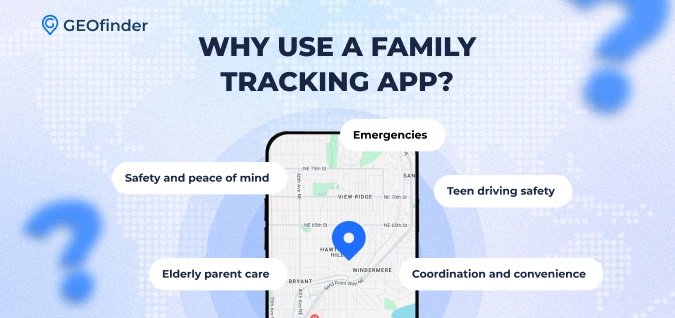
Using a family tracking app isn’t about spying. It’s about staying connected in a busy, mobile-first world. Families use tracking tools for several practical reasons:
- Safety and peace of mind: Necessary to know where loved ones are during travel or emergencies.
- Emergencies: Using a family-tracking app is highly useful for quickly locating a family member if something goes wrong.
- Teen driving safety: Parents can monitor their kids’ driving habits and arrival times.
- Elderly parent care: You can ensure your elderly parents get home safely or follow daily routines.
- Coordination and convenience: Keep everyone updated on schedules, pickups, and meetups, so you spend less time checking in and more time together.
What to Look for in the Best Family Tracking App
Not all solutions deserve the title best family tracking app. Thus, before choosing your ideal app, consider these key features:
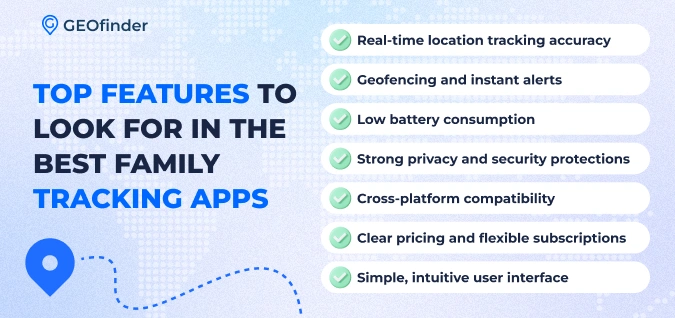
- Real-time location tracking accuracy: Accurate tracking ensures you always know where your loved ones are.
- Geofencing and instant alerts: Geofencing lets you set virtual boundaries for family members and sends automatic notifications when someone enters or leaves a location.
- Low battery consumption: Continuous location tracking can drain devices quickly. A good app minimizes battery usage so it won’t interfere with daily phone use or leave you without crucial updates.
- Strong privacy and security protections: Your family’s location data should be encrypted and accessible only to authorized users. Look for apps with robust privacy policies and transparent data handling practices.
- Cross-platform compatibility: Families often use a mix of devices. The best apps work easily across different OSs so that everyone can stay connected.
- Clear pricing and flexible subscriptions: Choose a family locator app with transparent pricing. Hidden costs or complicated plans are a no-no.
- Simple, intuitive user interface: The app should be easy to navigate, even for non-tech-savvy users.
Top 5 Best Family Tracking Apps Reviewed
With so many options, choosing the best family tracking app can be challenging. Each app works differently, so it’s important to find the one that best fits your family. Here are the top family tracker apps to consider.
1. GEOfinder – Best for Quick Location Checks Without App Installation
GEOfinder takes a different approach compared to traditional family tracker apps. How to find someone with their phone number using GEOfinder? This tracking app for family monitoring does not require installation on the target phone. It is web-based and works through a secure SMS-based location request.
Key features:
- Detects location data by sending a special link
- Works completely anonymous
- Consent-based location requests
- Bonus tools like reverse phone lookup and security checks
- trial available
- Great 24/7 customer support
Pricing: Subscription-based after a $1 trial. You will need to pay €46.99 per month if you choose to continue using the app.
Pros:
- No app to install
- Works worldwide on any phone
- Supports all cell phone models, carriers, and networks
- Additional location tracking features are involved
- Unlimited geolocation requests
- Great for occasional checks
- Can track family members’ location anonymously
Cons:
- Requires the recipient to tap the link
- No continuous background tracking
- No automated geofencing alerts
Best for: Parents who want location verification without installing a family locator app.
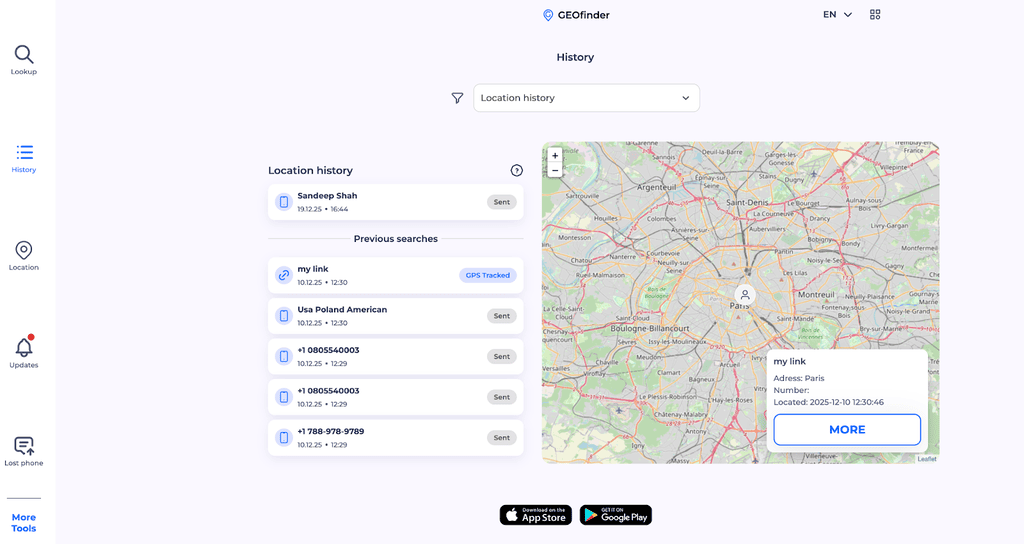
How GEOfinder Works for Family Safety
- Sign up at https://geofinder.mobi/.
- Enter a family member’s phone number.
- Customize the SMS message.
- They receive a tracking link.
- After clicking, their location appears on your dashboard.
- Track phone location without knowing. View the address, map, and timestamp.
2. Life360 – Best for Circle-Based Family Groups
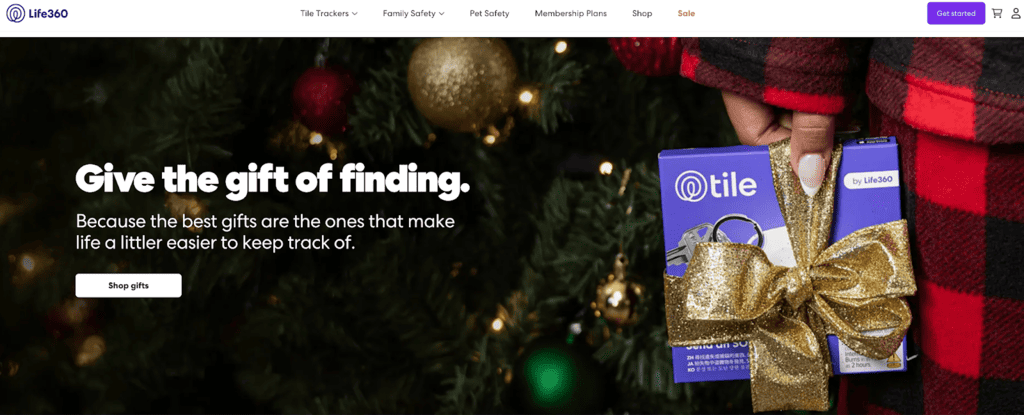
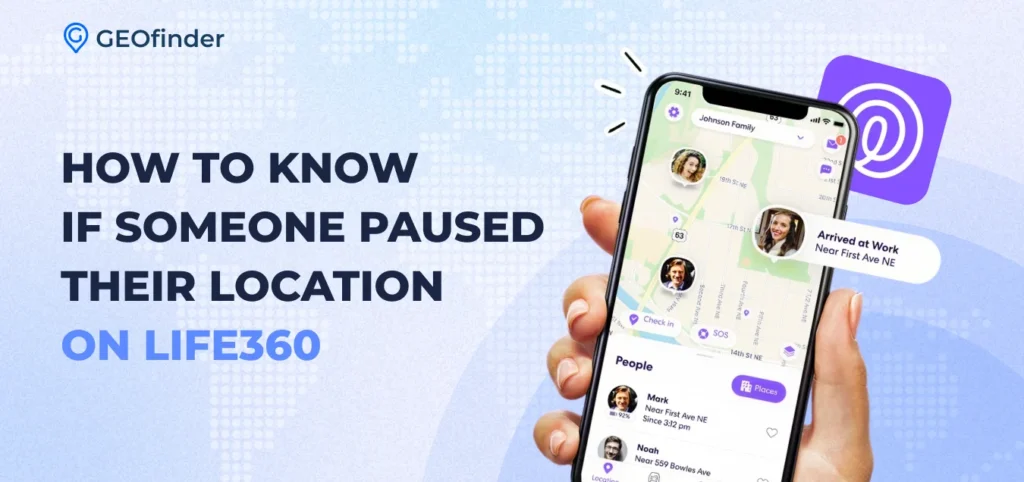
Life360 is a widely used family tracker app that organizes family members into Circles for shared location tracking. It offers features such as real-time location updates, driving reports, SOS alerts, and crash detection. What can Life360 review?
Features:
- Real-time tracking
- Driving reports
- SOS alerts
- Crash detection
Pricing:
- Free: Basic location-sharing app for families.
- Plus: $7.99/month – adds driving insights and additional safety features.
- Premium: $14.99/month – includes crash detection, emergency dispatch, and unlimited place alerts, up to $25k stolen funds reimbursement.
- Platinum: $24.99/month – 50 Miles Free towing, $1M stolenfunds reimbursement, disaster response, medical assistance, travel support.
Pros:
- Structured location sharing for family Circles
- Driving insights and reports for teen drivers
- SOS alerts and crash detection
Cons:
- Continuous tracking can drain the battery
- Some advanced features require a paid plan
Best for: Families who want a structured way to see where everyone is and receive alerts without requiring on-demand or privacy-focused tracking.
3. Find My (Apple) – Best Free Option for iPhone Families
Apple’s built-in Find My app is the best family locator app for households fully invested in the Apple ecosystem. Why? It is a free, easy-to-use tool to locate phone number on Google Maps.
How accurate is Find My iPhone? Find My iPhone is usually very accurate, often showing a device’s location within a few meters. Accuracy can drop if the phone is indoors, has a weak signal, or Location Services are off.
Features:
- Native iOS integration
- Location sharing
- Lost device tracking
- Ability to mark your device or item as lost
Limitations? This family location-sharing app is available only on Apple devices, lacks transparency, and offers fewer parental controls, which may be a consideration for parents trying to track daughters iPhone.
Best for: All-Apple families who want a free option.
4. Google Family Link – Best for Teen Phone Monitoring
Google Family Link excels in teen phone monitoring and digital boundaries. This family tracking app is ideal if your priority is understanding “what is parental control best tool”.
Features:
- Screen time limits
- App approvals
- Basic location tracking
Pros:
- Excellent teen tracking app
- Free to use
Cons:
- Less precise real-time tracking
- Does not work anonymously
Best for: Parents managing younger teens and device usage.
5. Glympse – Best Temporary Location Sharing
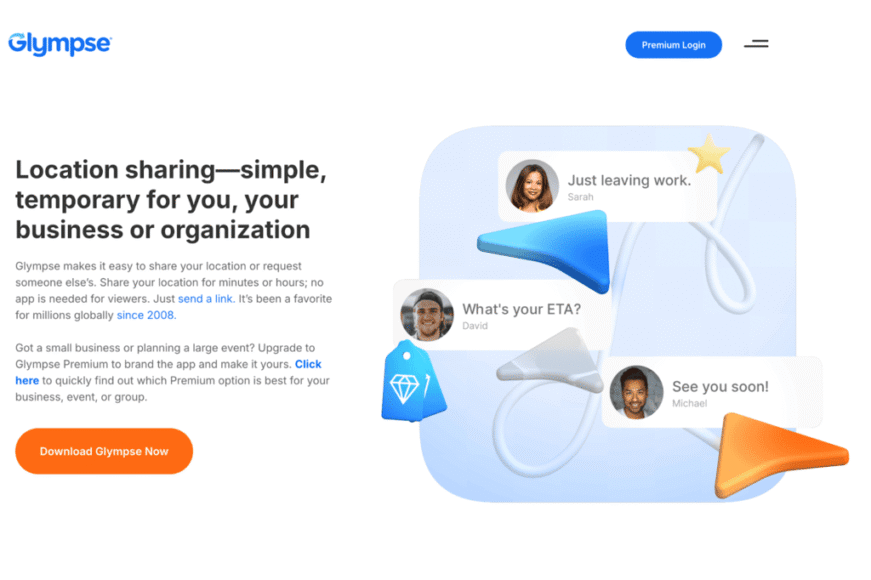
Glympse is a lightweight family locator app that lets users share their location temporarily via a link. Location sharing is time-limited and does not require the recipient to install an app. However, it lacks continuous tracking, parental controls, and advanced safety features found in more comprehensive family tracking solutions. So, what can the Glympse app review and who is it best for?
Features:
- Time-limited live location sharing
- Location sharing via link without requiring the recipient to install an app
- Ability to request someone’s location on demand
Best for: Short-term check-ins without long-term tracking.
Family Tracking Apps Comparison: Features & Pricing
Add infographic: Visual comparison chart
| App | Monthly Cost | Real-Time Tracking | Geofencing | SOS Alerts | Platforms | Free Trial |
| GEOfinder | From a $1 | Yes | No | Yes | All phones | Yes |
| Life360 | Free/Paid ($11.72/mo) | Yes | No | Yes | iOS/Android | Yes |
| Find My | Free | Yes | No | No | iOS | – |
| Family Link | Free | Limited | No | No | Android/iOS | – |
| Glympse | Free/Paid (up to $99/mo) | Temporary | No | No | iOS/Android | Yes |
Best Family Tracking App for Different Needs
Every family has different needs for safety, privacy, and convenience. Some want constant location updates, while others prefer occasional check-ins. Below, we explain which family tracking apps are best suited to different situations.
Best for Non-Intrusive Occasional Checks
GEOfinder is the best family locator app for families who want location verification without constant monitoring or app installation. Because it doesn’t run in the background, it avoids battery drain and reduces concerns about over-monitoring. It includes unlimited geolocation requests, operates anonymously, and is compatible with all mobile phones. With GEOfinder, families can have their cake and eat it too, enjoying peace of mind without feeling intrusive. This family locator app is especially useful for families who value consent and flexibility.
Best for Large Families
For large households, apps that support multiple members and group management are often more practical. Life360 is a strong family tracker app for busy families who want everyone visible in one shared space. Its Circle-based system makes it easier to organize parents, kids, and extended family members without confusion. Real-time updates and alerts help reduce the need for repeated check-ins throughout the day. However, continuous tracking may feel excessive for some family members. For this reason, it’s better to choose GEOfinder.
Best for Teen Tracking and Monitoring
When it comes to teen tracking apps, those with driving reports and usage controls are often preferred. Family location sharing apps such as Life360, Google Family Link, and Bark (see the Bark app review) provide insights into driving behavior, arrival times, and overall device use. These features help parents support teen safety while setting reasonable boundaries. Parental control tools also make it easier to guide responsible phone habits without relying solely on location data. This category is best suited for younger or newly independent teens.
Best for Mixed iOS and Android Families
Families using a mix of iOS and Android devices should prioritize cross-platform compatibility. Apps like Life360, GEOfinder, and FamiSafe work across operating systems, allowing everyone to participate regardless of phone type. This prevents coverage gaps and avoids forcing family members to switch devices. Cross-platform tools are especially helpful for extended families or households with teens using different phones.
Tips for Using Family Location Sharing Apps Successfully
Using a family location sharing app is most effective when everyone understands why it’s being used and how it fits into everyday life:
- Have an open family discussion about privacy: Before enabling any tracking, talk openly about what data is shared and when. It helps family members feel respected and reduces misunderstandings or resistance.
- Set boundaries and expectations early: Clearly define when location checks are appropriate and when they’re not. Agreeing on rules upfront prevents tracking from turning into constant supervision.
- Avoid over-monitoring: Checking locations too often can feel intrusive, especially for teens. Using tracking only when necessary reinforces trust rather than undermining it.
- Use geofencing for routine check-ins: Geofencing automates updates for common places like school or home. It reduces the need for manual checks while still keeping parents informed.
- Respect teen independence while ensuring safety: Location sharing should support growing independence rather than restrict it. Teens are more likely to cooperate when they feel trusted rather than controlled.
- Keep apps up to date and batteries optimized: Outdated apps or low battery levels can cause inaccurate location data. Regular maintenance ensures reliable performance when it matters most.
- Define emergency protocols in advance: Decide how tracking will be used during emergencies. Clear plans reduce panic and speed up response when situations are urgent.
Privacy and Safety Concerns with Family Tracker Apps
While family phone number tracker apps offer peace of mind, they also raise important privacy and safety considerations.
- Data security and encryption are essential-choose apps that protect location information with strong safeguards and secure storage.
- Equally important is understanding who can access the location data, ensuring only authorized family members can view it, and obtaining consent where required.
- Parents should also focus on teaching children about digital safety.
- Preventing misuse is critical. Avoid sharing access with strangers or third-party services and regularly review app permissions. Legally, parents are generally allowed to monitor minors for safety, but adult tracking usually requires consent, and local laws can vary.
By selecting secure, consent-based apps and maintaining open communication, families can benefit from location tracking while preserving trust, safety, and legal compliance.
Family Tracking Apps vs. Phone Number Location Tracking
Traditional family tracking apps, like Life360 or Find My, must be installed on each device and run in the background. They provide real-time updates throughout the day, which is useful for families who want constant awareness. However, this can drain the battery and may feel intrusive, especially for teens or adults who value privacy.
Phone number–based services like GEOfinder work differently. They don’t require an app and let you check locations on demand via a consent-based link. The person being tracked must click the link, making this option better for occasional checks rather than constant monitoring. It’s ideal for families who want flexibility and control over when to share the location.
Both methods are generally accurate, but traditional apps give more frequent updates. The right choice depends on how often you need location data and your family’s comfort with continuous versus on-demand tracking.
Conclusion
GEOfinder is the best family locator app for those who want non-intrusive location checks. Unlike traditional tracking apps, this tracking app for family monitoring works on demand, letting parents verify a family member’s location only when needed—ideal for teens, relatives, or travel situations. Parents send a secure SMS link to the recipient; when clicked, the location data appears instantly on the dashboard, including a timestamp and address.
Cross-platform and globally compatible, GEOfinder avoids battery drain and over-monitoring, offering a flexible, consent-based solution. For families seeking peace of mind without constant surveillance, GEOfinder is the best family tracking app.

Comments